

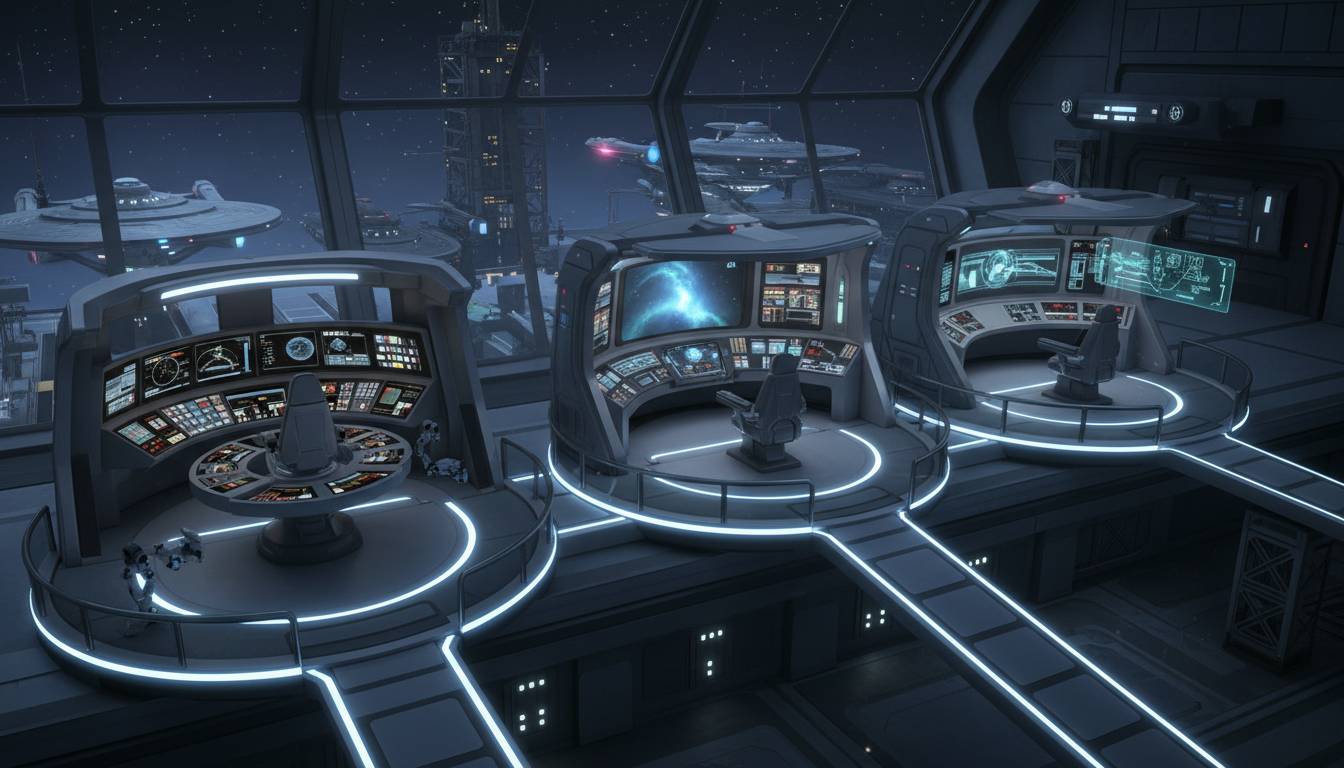
The bridge of the USS Enterprise-D in Star Trek: The Next Generation is one of the most recognizable command centers in science fiction, but its layout is more purposeful than it first appears. Every rail, console, arch, and seat supports a specific command function inside the Galaxy-class flagship. This guide breaks down what each major bridge section does, how the stations work together during exploration and combat, and why the Enterprise-D’s design still feels so smart decades later.
The Enterprise-D Bridge at a Glance
The main bridge of the Galaxy-class Enterprise-D sits on Deck 1 at the top of the saucer section, serving as the ship’s primary operational control center. Canon and reference material consistently frame it as the nerve center for command, navigation, tactical response, communications, and mission coordination. In practical terms, that means the bridge is where Captain Jean-Luc Picard and senior officers oversee everything from first contact to red-alert combat maneuvers.
What makes the Enterprise-D bridge distinct is its layered layout. It is not just a room full of blinking consoles. It is organized by responsibility. The front stations handle flight and mission operations. The center holds command authority. The rear and side stations support tactical, engineering, environmental, and systems management. Even the raised platforms and open sightlines matter. They let the captain, first officer, and department heads maintain visual awareness of one another without crowding the room.
That design reflects the Enterprise-D’s role as more than a warship. It is an explorer, diplomatic vessel, research platform, and family-capable flagship. So the bridge has to support a wider range of tasks than a pure combat command deck would. It needs to feel calm in routine operations, efficient in emergencies, and flexible enough for science missions, negotiations, and crises. That is exactly what viewers see throughout The Next Generation.
Command Area: The Captain and First Officer Seats
The most important section is the central command area. This is the sunken middle platform where the captain and first officer sit. Picard’s chair is the primary command seat, while the seat beside it is typically used by Commander Riker. From here, they issue orders, evaluate incoming information, and coordinate all bridge activity.
This area is not loaded with giant control panels because that is not its purpose. The command chairs are built for oversight, not hands-on piloting. Small armrest interfaces allow direct access to key functions, but the real value of the command area is visibility. From these seats, the captain can see helm, ops, the main viewscreen, and much of the rear bridge activity at once.
That matters in Star Trek storytelling and in-universe logic. A captain should not be buried in technical readouts. The captain should be free to assess, decide, and delegate. The bridge layout reinforces chain of command. Data at ops can report ship status. Worf at tactical can report threats. Geordi or another engineer can advise on systems. Picard makes the call.
Conn and Ops: The Two Forward Flight Stations
At the front of the bridge, directly facing the main viewscreen, sit the conn and ops stations. These are among the busiest positions on the Enterprise-D.
Conn
The conn station, usually occupied by the helmsman, controls navigation and flight. That includes steering, course changes, impulse control, warp flight execution, and docking maneuvers. When the Enterprise banks, accelerates, enters orbit, or lines up with a starbase, the conn officer is doing the work.
On The Next Generation, this station is often associated with officers like Geordi La Forge in the early seasons, Wesley Crusher during his bridge duty periods, and other flight-control personnel. The conn is not just “the steering wheel.” It translates command intent into precise movement through space.
Ops
Beside conn is ops, most famously manned by Lieutenant Commander Data. Operations is a broad, high-value assignment. The ops officer monitors internal ship status, resource allocation, sensor activity, communications routing, and mission support functions. If conn tells the ship where to go, ops helps determine whether the ship can support what the mission requires once it gets there.
That is why Data is constantly answering questions about power levels, life support, transporter readiness, shield status, and sensor readings. Ops is a coordination hub. It connects command decisions to shipwide systems.
Tactical and Security: Worf’s Rear Bridge Station
At the back of the bridge, centered behind the command area, is the tactical station, which also handles many security functions. This is Worf’s post for much of the series, and it is one of the most dramatic positions on the set for good reason.
Tactical controls the ship’s defensive and offensive systems. That includes phasers, torpedoes, shields, targeting, and threat response. During combat, this station becomes critical. Worf reports enemy range, shield impact, weapons lock, and firing solutions. He also executes Picard’s or Riker’s orders to raise shields or fire weapons.
Security responsibilities overlap here as well. Internal security alerts, intruder response, and certain defensive protocols can be managed from tactical. That combination makes sense. External threats and internal threats both fall under the broader umbrella of ship protection.
The placement of tactical at the rear center is smart. It gives the officer a commanding view of the bridge while keeping the station close to command. In a crisis, the captain can turn and get immediate threat updates without shouting across the room.
The Side Stations: Mission Support and Specialist Functions
Along the sides and rear edges of the bridge are additional consoles used for specialist tasks. These stations are not always occupied by the same people, which can make them easy to overlook, but they are essential to the bridge’s flexibility.
Depending on the situation, these consoles can support engineering oversight, environmental systems, science monitoring, damage control, and communications management. On a ship like the Enterprise-D, that flexibility is everything. The bridge is not only for combat scenes. It also has to support anomaly scans, diplomatic hails, medical emergencies, and system failures.
This is one reason the bridge feels believable. It is modular in function even when the set looks fixed on screen. Senior staff can step in, use a side console, and contribute directly to the mission without leaving the command center.
The Main Viewscreen and Forward Information Focus
The main viewscreen dominates the front wall, and it does more than provide a cinematic focal point. It is the bridge’s shared visual reference. Whether the crew is approaching a planet, confronting a Romulan warbird, or opening a channel to another ship, the viewscreen gives everyone the same immediate point of attention.
That shared focus is important in command environments. A bridge crew works best when information is centralized and visible. The viewscreen lets Picard address another captain, lets Worf assess a threat posture, and lets conn and ops align their actions with what command is seeing in real time.
In-universe, not every image on the viewscreen is a literal window view. It can display sensor-enhanced imagery, tactical overlays, and communications feeds. So it functions as both a visual aid and a command display.
The Turbolift, Ready Room, and Bridge Access Points
The bridge is also defined by how people move through it. The aft turbolift provides the main entrance, allowing officers to arrive directly from other decks. Picard’s ready room sits off the bridge, giving him a private space for briefings, logs, and sensitive conversations without leaving the command environment entirely.
There is also access to the observation lounge nearby in the broader command area arrangement seen throughout the series. That matters because the bridge is not an isolated cockpit. It is part of a command ecosystem. Orders can be discussed privately, then brought back to the bridge for execution within seconds.
This arrangement supports one of The Next Generation’s strengths: decision-making as drama. The crew can debate options in the ready room or observation lounge, then return to the bridge where those decisions become action.
Why the Bridge Layout Works So Well
The Enterprise-D bridge remains beloved because it balances authority, comfort, and function. It looks less cramped and militaristic than many later sci-fi bridges, but that does not mean it is soft. It is organized around trust in trained officers. Everyone has a defined role. Everyone can see and hear command. And the room can shift from calm exploration to combat readiness in seconds.
There is also a deeper thematic fit. The Next Generation presents Starfleet as disciplined, intellectual, and collaborative. The bridge reflects that philosophy. It is not built around chaos. It is built around competence.
The Battle Bridge and Why It Matters
The Enterprise-D also has a separate battle bridge used primarily during saucer separation scenarios. This secondary command center controls the stardrive section when the ship splits. It appears far less often than the main bridge, but its existence says a lot about Galaxy-class design priorities.
The main bridge is optimized for broad mission command. The battle bridge is a redundancy and combat-focused fallback. That distinction helps explain why the Enterprise-D can function as both a deep-space explorer and a vessel prepared for high-risk engagements when necessary.
Frequently Asked Questions
What is the most important station on the Enterprise-D bridge?
The command area is the most important because it is where the captain and first officer oversee the entire ship. That said, the bridge only works because command, conn, ops, and tactical constantly support one another.
What is the difference between conn and ops?
Conn handles flight and navigation, while ops manages shipwide operational systems such as sensors, power allocation, communications support, and mission coordination. Conn flies the ship. Ops helps run it.
Why is tactical at the back of the bridge?
The rear-center placement keeps tactical close to command while preserving a clear view of the bridge. It allows fast communication with the captain during combat or security emergencies.
Did the Enterprise-D have more than one bridge?
Yes. It had the main bridge on Deck 1 and a secondary battle bridge used mainly for saucer separation and command redundancy.
Why does the Enterprise-D bridge feel different from later Star Trek bridges?
Its design is more open, warm, and collaborative. That matches The Next Generation’s tone, where diplomacy, exploration, and disciplined teamwork matter as much as combat readiness.
Conclusion
The USS Enterprise-D bridge is not iconic just because it looks good on television. It is iconic because every section has a clear purpose. Command directs. Conn flies. Ops coordinates. Tactical defends. Side stations adapt. The viewscreen unifies attention. Access points connect the bridge to the wider command structure. Put together, those elements create a bridge that feels functional, elegant, and unmistakably Starfleet. For Star Trek fans, that is why the Enterprise-D still sets the standard.


View 0 comments